
Change the look and the popups
Five looks, popup length, and smaller popups for giveaways and raids.
Chrome + iPad
Pick the look you can read fastest mid-show: Classic, Cut Paper, Stickers, Spark or Black & white. Only the look changes; what's captured and printed stays the same.
The same new-buyer popup in each look:
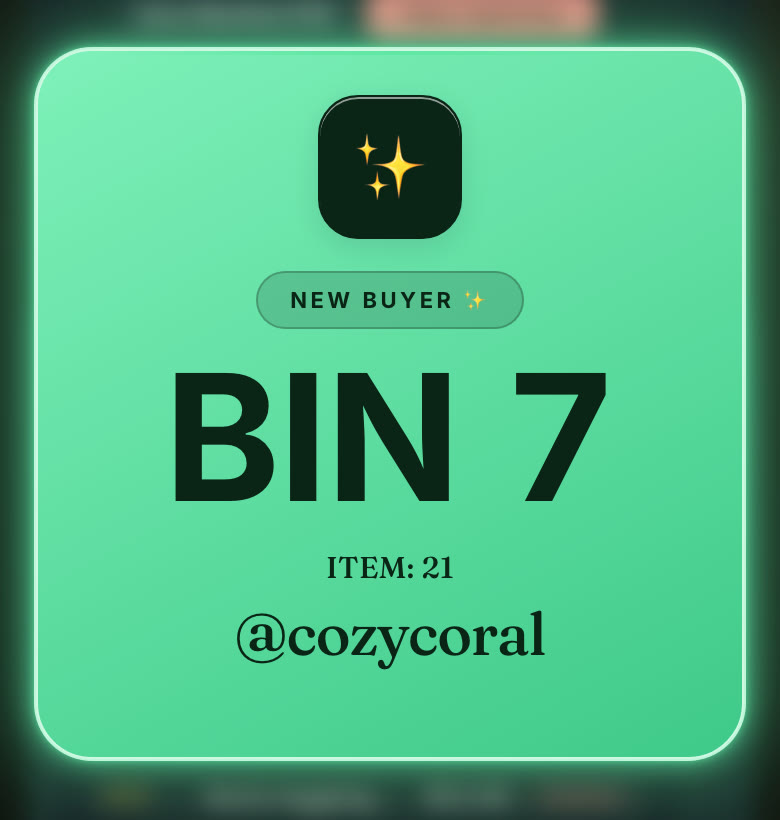
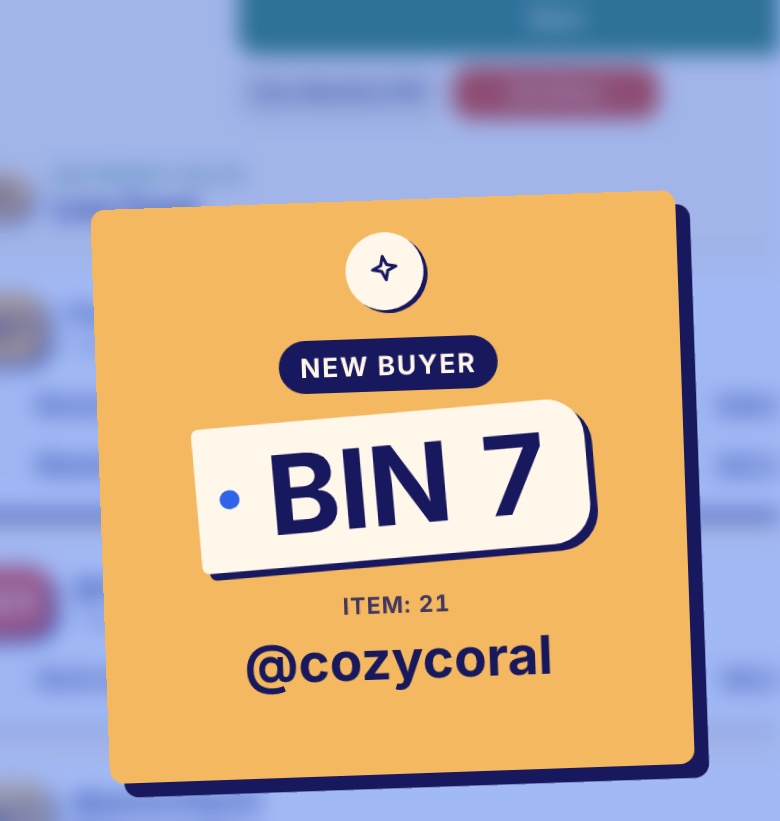
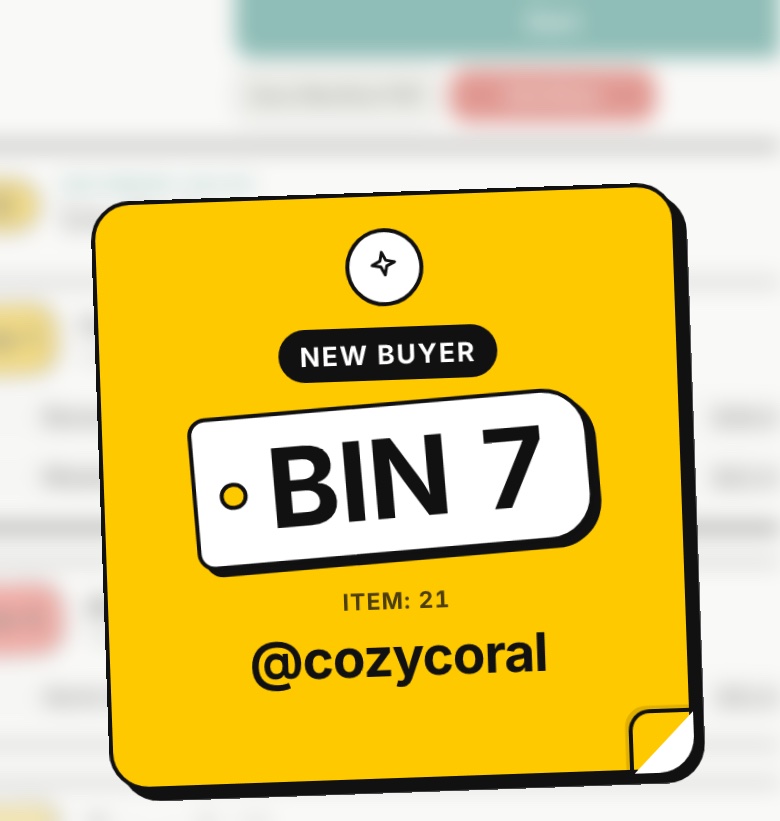
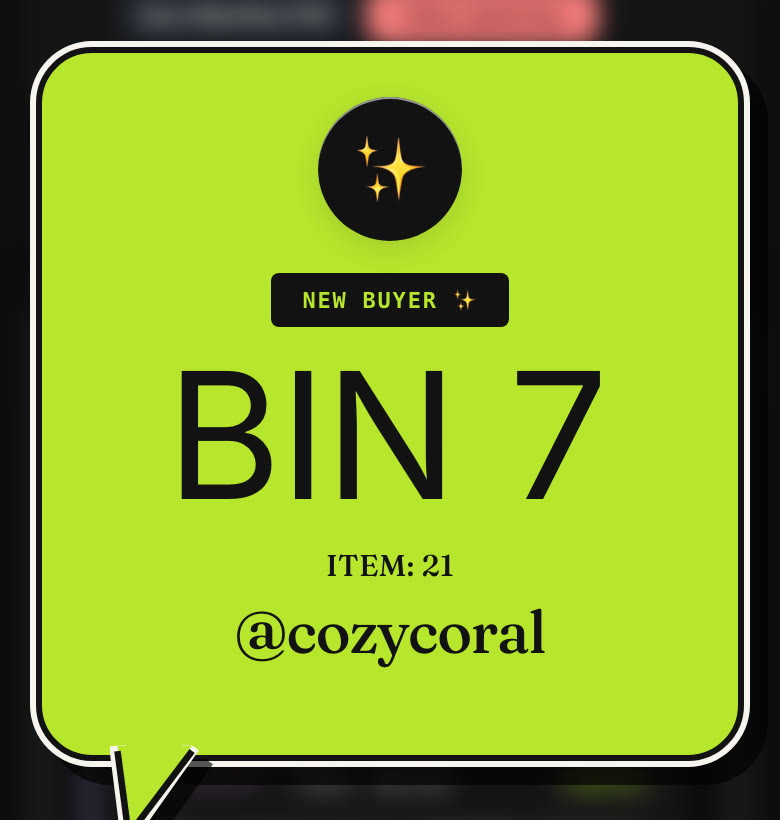
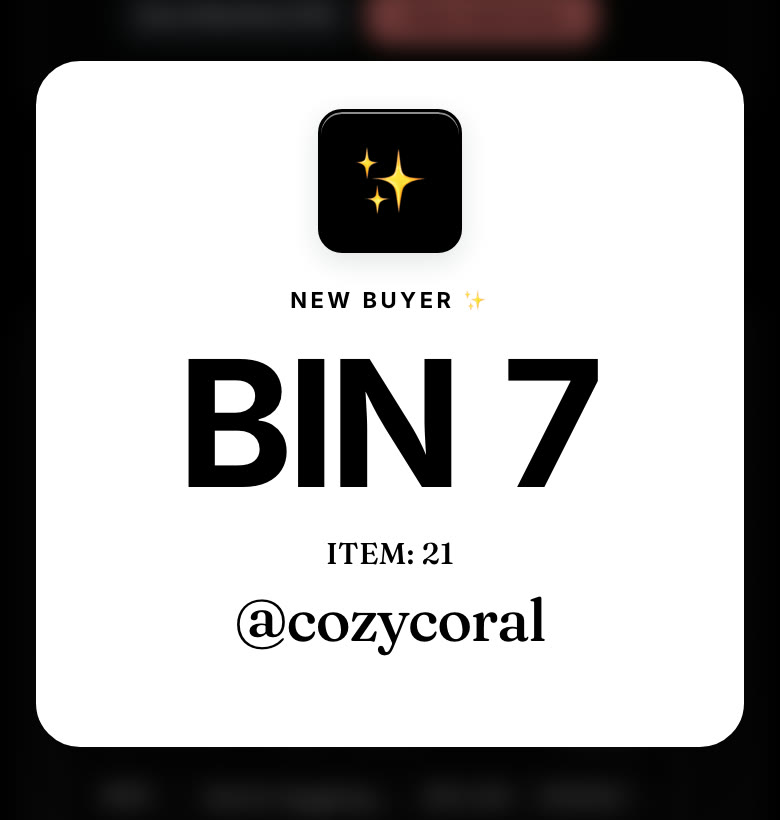
- Chrome: menu ☰ › In show › Colors.
- iPad: Settings › In show › Colors.
In Cut Paper and Stickers, each kind of sale has its own color. Cut Paper: gold for a new buyer, pink for returning, periwinkle for Buy It Now, green for a giveaway, mint for a tip, coral for a raid. Stickers: yellow for a new buyer, pink for returning, teal for a giveaway, mint for a tip, coral for a raid. A coral bin tag means a payment is still pending.
Used to have Colorful or Colorful light? They became Cut Paper and Stickers. Your pick carries over by itself.
Popups in the way?
- Turn on Compact celebration popups. Giveaways, raids, tips and promos show as a slim strip at the top. Sales keep the full card.
- Popup duration sets how long a sale card stays up, from 1.5 to 12 seconds.
Related
More in Show tools
- Buyer's choice: sizes and options from chat
- Buyer comments: what the winner typed in chat
- Sale photos
- Live link for your packer
- Box capacity and weekly bundled shipping
- Surprise Sets and card breaks
- Tag every buyer for a Buyer's Giveaway
- Giveaway plan
- Riding a raid train
- Tonight's goal, Show Wrapped and your share picture