
Add past shows to your Tax Jar
Fill in this year's sales from your own Whatnot orders, including shows you ran without Backstage.
Chrome
- Open menu ☰ › Account. Under Tax Jar, find Past shows from Whatnot.
- Click Fill in.
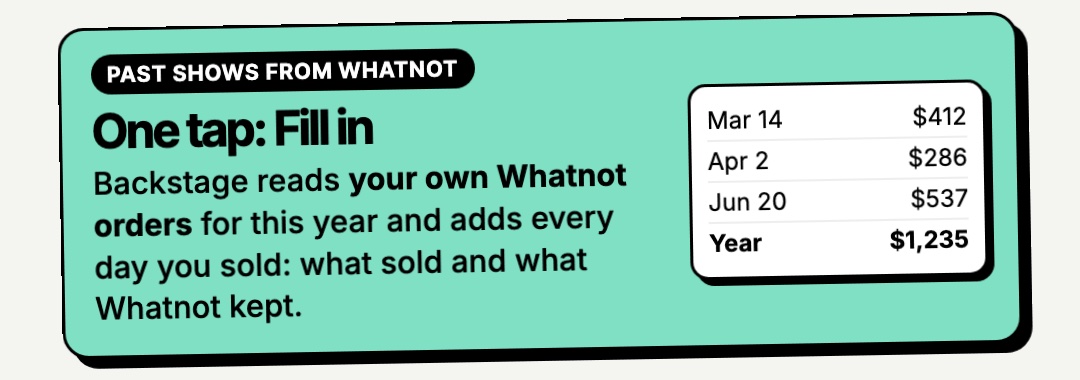
Backstage reads your own Whatnot orders for this year. It adds each day you sold to your Tax Jar, with what sold and what Whatnot kept.
Good to know
- Days already in your Tax Jar aren't counted twice.
- Cancelled orders and giveaways are left out.
- Two shows on the same day show as one day.
- Today isn't included until tomorrow.
See it all in the portal under Tax Jar.